
Nearly there: confirm your email
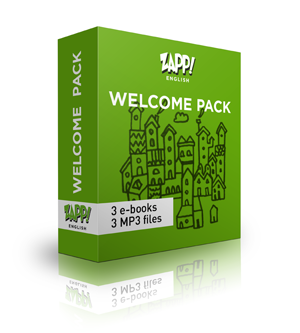
Thanks for signing up. We’ve just sent you an email. Click the button in it and your Welcome Pack download page opens straight away.
What to do next
- Open our emailIt usually arrives within a few minutes.
- Click “Confirm my email”That tells us the address is really yours.
- Download your packYour download page opens. Type in the password from the email.
Can’t find the email?
- Look in your Spam or Junk folder. If you use Gmail, check the Promotions tab too.
- Search your inbox for english@zappenglish.com.
- If it’s in Junk (this happens a lot with Hotmail and Outlook), mark it “Not junk” so our next emails reach your inbox.
- Add english@zappenglish.com to your contacts.
Still nothing after 15 minutes?
There may have been a typo in your address. Sign up again, or read I didn’t receive the download email.
Thanks, and good luck with your English!
Tom & Katie